Bing's AI Performance report shows citations, not clicks
Bing Webmaster Tools counts how often Copilot and Bing AI answers cite your pages, with grounding queries and citation share. No clicks. How to read it.

Short on time?
Short on time? Here's my take.
- Any site with Bing or Copilot visitors
- Bing Webmaster Tools AI Performance
- Two guides I read say it's free with a verified site. It shows which pages Copilot cites and the phrases behind them.
- You care about Google's AI features too
- Search Console's generative AI report
- Also free. It counts impressions in AI Overviews and AI Mode, not citations.
- You need ChatGPT and Perplexity, with competitors
- Peec AI Starter
- $95 a month for 50 prompts on 3 models you pick (verified 17 Nov 2026).
- Google positions plus a small prompt set
- SE Ranking Core
- $129 a month, or $103.20 billed annually, with 25 prompts a day on 5 AI engines (verified 17 Nov 2026).
- You want to know if AI sends visitors
- Your own analytics
- The report has no clicks. Copilot and Bing referrals show up in your analytics, not here.
Prices verified . Report details from Microsoft's own pages; prices from vendor pages, verified 17 Nov 2026. No vendor paid to be included, and sponsors can't buy a verdict.
Bing Webmaster Tools now counts how often Microsoft’s AI answers cite your pages. Its AI Performance report covers Copilot, Bing’s AI summaries and some unnamed partner products, and Microsoft’s own help page says it shows no clicks.
I read Microsoft’s four announcements, its help page and the guides that rank for this report to show what it counts, what it leaves out, and when the free view is enough. For the wider set of tools, start at the AI visibility hub.
What does the report actually show? #
It shows how often Copilot, Bing’s AI-generated summaries and “select partner” AI products cite your pages, which pages they cite, and the grounding queries behind those citations. It counts citations, not visits.
Microsoft launched it as a public preview on 10 February 2026, describing it as a view of “how publisher content appears across Microsoft Copilot, AI-generated summaries in Bing, and select partner integrations” (Bing Webmaster blog). The same post calls it “an early step toward Generative Engine Optimization (GEO) tooling”.
The help page lists five things it measures:
- Total citations: the “total number of times your content was visibly referenced or shown as a source”.
- Cited pages: the unique pages cited on a given day.
- Average cited pages: unique pages cited per day, averaged over your date range.
- Grounding queries: the phrases the AI searched with when it retrieved your page (more in the next section).
- Page-level citation activity: citations per URL, so you can see which pages carry the load.
You can pick 7 days, 30 days, 3 months or a custom range, and the data is “refreshed daily, with a short processing delay”. It only covers content that’s eligible for indexing, and it respects robots.txt, per the same page.
Microsoft is careful about what the count means: the report “does not measure rankings, authority, performance, or importance. It simply shows which content was cited.” I’d take that at face value. A citation count is a reach signal, not a quality score.
Two guides I read say the report is free for a verified site, and Locomotive adds that “No additional setup is required beyond having a verified site” (Locomotive; also Pasquale Pillitteri). Microsoft’s Bing Webmaster Tools page calls its SEO/GEO tools “free”, but it doesn’t name this report, and I couldn’t find the report’s price or who can see it on a Microsoft page. Treat that part as the guides’ claim until you see it in your own account.
What are grounding queries? #
They’re the short phrases Bing’s AI searched with when it pulled your page into an answer. Microsoft calls them “grouped representations”, “not full user questions or prompts”, so they tell you the topic, not what a person typed.
The help page defines them as “the key phrases the AI used when retrieving content that was cited”, with “solar energy” and “solar panels” as its examples (Bing help). The launch post says the data shown is a sample of overall citation activity (launch post).
Since March you can click a grounding query to see which of your pages it cited, or click a page to see its queries. Microsoft’s ads team wrote that “one grounding query may be mapped to multiple pages and vice versa”, and put the point plainly: “The big win isn’t just counting citations. It is understanding the grounding queries behind them.” (Microsoft Advertising blog, 23 March 2026; Search Engine Roundtable covered it the next day.)
One caution from the help page: the phrasing “may be determined differently across supported AI experiences and partners”. Two near-identical queries may just be two products wording the same lookup.
My suggestion: treat grounding queries as a free starting list of topics where Microsoft’s AI already finds you (vendor prompt volume figures are estimates, not counts). If you later pay for a prompt tracker, turn the strongest ones into full questions a buyer would ask; how many prompts to track covers how big that set should be.
What did Bing add in June? #
Four preview views: Intents, Topics, Citation Share and Compare. Microsoft began rolling them out “in preview within Bing Webmaster Tools globally” on 16 June 2026 (Bing blog).
Search Engine Roundtable reports they were first shown at SEO Week in late April, and that Bing “vastly updated its help document” with the launch. Here’s what each one does, in Microsoft’s words:
- Intents sorts grounding queries into “broader categories” such as Informational, Commercial, Navigational, Learn and Solve, Research, Creation and Local, “and more”. Practical Ecommerce also lists Conversational and Comparison, which fits the “and more”.
- Topics groups related grounding queries into clusters. Microsoft warns that “some labels may still be broad”.
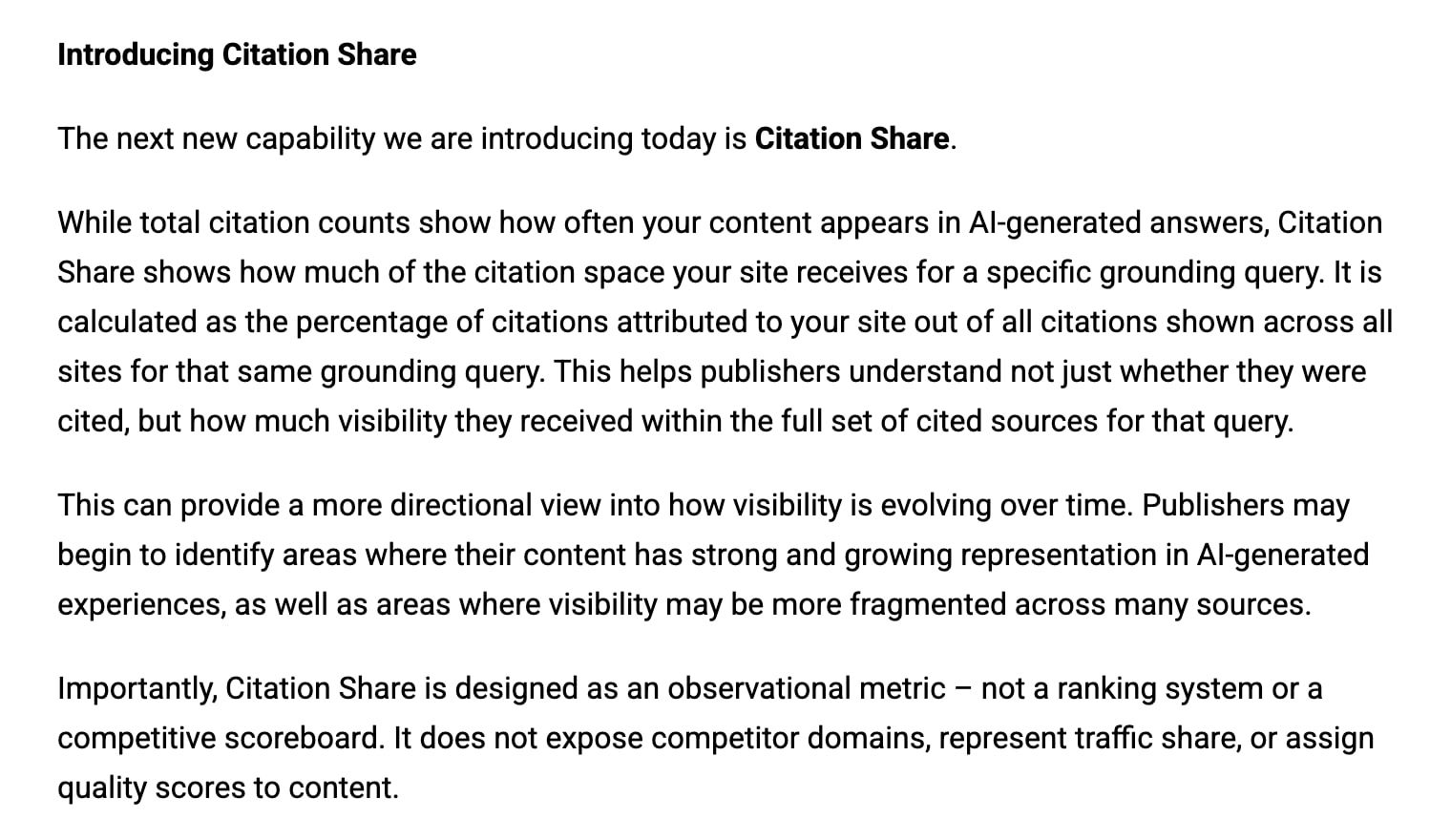
- Citation Share is “the percentage of citations attributed to your site out of all citations shown across all sites” for the same grounding query.
- Compare lays a previous period over the current one, for example the last 30 days against the 30 before.
Citation Share is the one people will misread. Microsoft says it “does not expose competitor domains, represent traffic share, or assign quality scores”, and calls it “an observational metric – not a ranking system or a competitive scoreboard”.
It’s closer to a share of voice for one query than a rank, and it only counts Microsoft’s answers. If you report share of voice from a paid tool, where AI share of voice misleads explains why the two numbers won’t match.
| Date | What arrived | What it lets you see |
|---|---|---|
| 10 Feb 2026 | AI Performance, public preview | Total citations, cited pages, grounding queries, citations per page |
| 23 Mar 2026 | Query-to-page mapping | Click a query to see its cited pages, or a page to see its queries |
| 16 Jun 2026 | Intents, Topics, Citation Share, Compare | What kind of query cites you, in which clusters, your share per query, and change over time |
| 13 Oct 2026 | Topics Portfolio (beta) | Topic sizes, how crowded each topic is, and Opportunity Queries where other sites are cited and you aren't |
Source: Microsoft's Bing Webmaster, Bing Search and Microsoft Advertising blog posts, read 17 Nov 2026. Scroll sideways for more columns.
What is Topics Portfolio? #
A beta tab Microsoft added on 13 October 2026 that groups your grounding queries into topics and lists Opportunity Queries: the queries where other sites get cited and yours doesn’t. None of the three guides ranking for this report covers it.
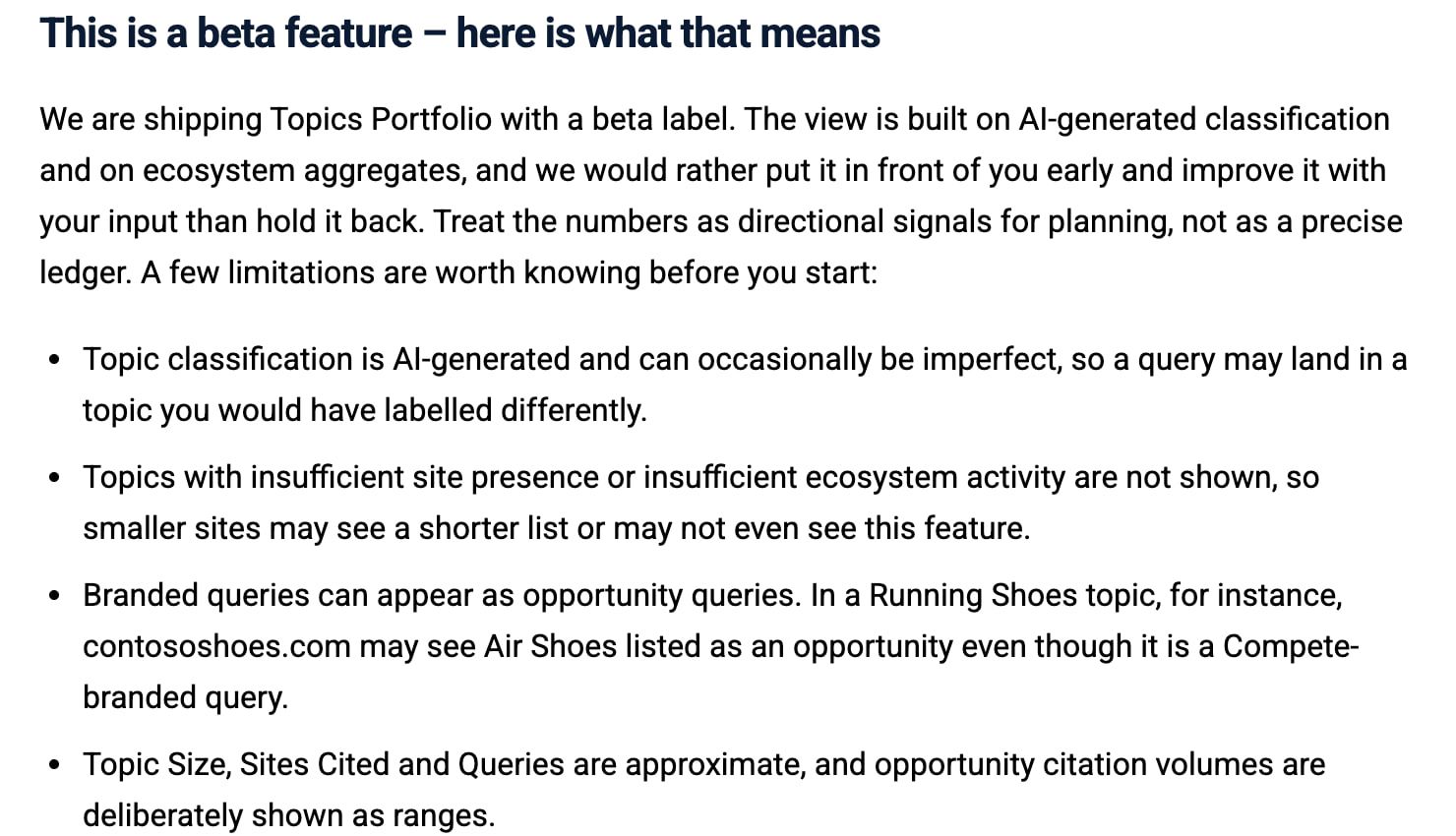
Per Microsoft’s post, the tab sits “next to Citations & Pages” when “there is sufficient data for your site”, and smaller sites “may not even see this feature”. Each topic shows:
- Topic Size: “approximate total citations across all sites for this topic”.
- Sites Cited: the approximate number of sites cited, which Microsoft frames as “how crowded the topic is”.
- Queries: the approximate number of distinct grounding queries.
- Opportunity Queries: “the strongest queries across your whole portfolio where other sites appear and yours does not”.
You can look at one, two or three months. Volumes are “deliberately shown as ranges”, and Microsoft’s advice is to “Treat the numbers as directional signals for planning, not as a precise ledger.” PPC Land notes each row has thumbs-up and thumbs-down feedback, and Search Engine Roundtable’s write-up adds: “No click data yet, sorry folks…”
To me this is the most useful part of the report. Opportunity Queries is a content-gap list taken from an AI engine’s own retrieval, even if it won’t tell you which competitor got each citation.
What is missing from the report? #
Clicks, traffic, which AI product cited you, the exact prompt, why a page was chosen, and who else got cited. Google’s AI answers aren’t in it, and nothing I read says ChatGPT’s are.
Microsoft’s FAQ is direct: “It does not represent traffic, clicks, or user engagement.” The data “does not show individual AI answers, exact prompts, or why a specific page was referenced” (Bing help). One of the guides ranking for this report still lists click-through from AI results as a metric; Microsoft’s page says otherwise.
Practical Ecommerce adds that you can’t filter by a single channel or identify the partners, and that you see how often each URL was cited “but not the number of views or clicks”. Pillitteri sums up the scope: “The report measures only the Microsoft ecosystem.”
Microsoft never names the partner products. Its ads team says “Microsoft grounding powers nearly every major AI assistant in the market” (Microsoft Advertising), but that’s a sales line, not a list of what the report covers. Nothing I read says ChatGPT citations are included.
The gap between citations and visits can be wide. Whole Whale reported about 48,000 citations on 34 of its pages over roughly three months, against 14 Copilot clicks in its own analytics, about 0.03% (Whole Whale). That’s one site, measured its own way, but it’s why I’d keep citations and visits in separate columns of any report.
Can you trust the numbers? #
As a trend line, yes; as an exact count, no. Microsoft says “The data shown represents a sample of overall citation activity” and that it’s “not a complete log of every instance” (Bing help).
The same page warns that very low or infrequent citation activity may not show up, that totals may differ between views, and that trend changes “cannot be attributed to a specific cause or event”. Momentic quotes Microsoft saying parts of the data “may be refined retroactively”; I couldn’t find that line on Microsoft’s own pages.
If you saw a sudden jump in June 2026, it may not have been your content. PinMeTo reports that Krishna Madhavan, one of the Microsoft authors of the launch post, described those jumps on X as regular data backfilling with no anomalies. That’s PinMeTo’s summary, not a direct quote, and I didn’t see the X post itself.
Expect your citations to bunch up on a few pages. Search Influence published its own first 91 days: 19,717 citations across 86 pages, with one page holding 69% and the top four 90%; it peaked at 5,804 on 7 December and averaged 34 a day in February (Search Influence). Its own summary is fair: “The data is early, imperfect, and worth looking at closely.”
How would I read the report each month? #
Pick the last 30 days, start from your most-cited pages, drill into their grounding queries, then check Compare and Topics Portfolio. This is how I’d do it from Microsoft’s descriptions; I haven’t run it on a live account.
- Set 30 days. If you compare periods, avoid ranges that cross June 2026, because of the backfill.
- Open the pages view. Note the handful of URLs carrying most citations. If Search Influence’s pattern holds for you, it’ll be very few.
- Click each top page to see the grounding queries that pulled it in.
- Check Intents. My reading: a mostly informational mix means Copilot uses you to explain things, while commercial queries sit closer to a purchase.
- Read Citation Share for your main queries as an observation, not a rank.
- Turn on Compare against the previous 30 days and look for pages that lost citations.
- Open Topics Portfolio if your site has it, and copy Opportunity Queries into your content plan as ranges, not targets.
- Export the grounding queries, page data and time series (CSV or Excel, per the help page) every month, so you keep your own history.
- Get visits from your analytics. The report has none, so track Copilot and Bing referrals there.
How does it compare with Search Console and paid tools? #
Search Console’s report is free and, per the guides I read, so is Bing’s; each shows only its own engine’s AI answers. Paid trackers add ChatGPT, Perplexity and competitor names. None of the four shows clicks. For free tools that cover ChatGPT and Perplexity, see which free AI visibility plans keep tracking.
Search Console’s generative AI report counts impressions of your links in AI Overviews and AI Mode, combined (Search Console help); I explain how it counts in what Search Console’s AI report shows.
| What you get | Bing AI Performance | Search Console generative AI | SE Ranking Core | Peec AI Starter |
|---|---|---|---|---|
| Engines | Copilot, Bing AI summaries, unnamed partners | Google AI Overviews and AI Mode | Google, plus 25 prompts a day on 5 AI engines | 3 models you pick, such as ChatGPT or Perplexity |
| What it counts | Citations, cited pages, Citation Share | Impressions | Keyword positions, plus prompt results | Visibility, position and citations in answers |
| Queries | Grounding queries, sampled and grouped | None | Your keywords and prompts | Your prompts |
| Clicks | No | No | No | No |
| Competitors | Not named; Opportunity Queries show gaps | No | Yes | Yes |
| Export | CSV and Excel | Yes | Yes | Yes |
| Price | Free, per the guides I read | Free | $129/mo, or $103.20 billed annually | $95/mo |
Source: Bing Webmaster Tools help and Microsoft blog posts, Search Console help, SE Ranking and Peec AI pricing pages, verified 17 Nov 2026. Scroll sideways for more columns.
SE Ranking’s Core plan costs $129 a month, or $103.20 billed annually, and includes “25 prompts daily, 5 AI engines”; an AI visibility add-on starts at $71 a month, in tiers of 75, 200 or 1,000 prompts (SE Ranking, verified 17 Nov 2026). My SE Ranking pricing breakdown has the rest.
Peec AI’s Starter plan is $95 a month for 50 prompts, checked daily on 3 models in 1 country (Peec pricing, verified 17 Nov 2026). The models come from a menu that includes ChatGPT, Perplexity, AI Overviews and AI Mode; Peec AI pricing covers the upper plans.
Is Bing plus Search Console enough? #
For most small sites, yes. Together they give you first-party data on Microsoft’s and Google’s AI answers, at no cost as far as the guides I read say; pay only when your buyers research in ChatGPT or Perplexity, or when you need competitor names.
| Your situation | My pick | Why |
|---|---|---|
| Small business or blog | Bing AI Performance + Search Console | First-party, free as far as I could confirm, and enough to see which pages AI answers use |
| Content team planning topics | Bing's Topics Portfolio | Opportunity Queries is a gap list taken from Microsoft's own data, if your site has enough to see it |
| B2B brand whose buyers ask ChatGPT | Add Peec AI Starter | Neither report covers ChatGPT or Perplexity, or names competitors |
| SEO team that lives on Google rankings | SE Ranking Core | Keyword positions and a 25-prompt AI set on one bill |
| Anyone reporting results to a boss | Analytics + Search Console clicks | Neither AI report shows a single click |
Source: My picks, based on Microsoft's and Google's help pages and vendor pricing, verified 17 Nov 2026. Scroll sideways for more columns.
If you’re not sure which number you need, rank tracking vs AI visibility separates the two, and how to measure AI visibility puts the free first-party reports in order. When you do want a paid tracker, Peec AI alternatives lines up the options.
My rule: turn the free reports on now, read them once a month, and buy a tracker only when a decision depends on engines they can’t see.
FAQ
Does Bing's AI Performance report show clicks?
No. Microsoft's help page says the citation data 'does not represent traffic, clicks, or user engagement.' It counts how often your pages were cited as sources in AI answers. Visits from Copilot or Bing have to come from your own analytics.
Does the report include ChatGPT?
Microsoft names Copilot, AI-generated summaries in Bing and 'select partner' integrations, without saying who the partners are. Nothing I read says ChatGPT citations are included, so don't treat the report as a ChatGPT measure.
What is a grounding query?
It's a short phrase Bing's AI searched with when it retrieved a page it then cited. Microsoft calls them 'grouped representations' and says they are 'not full user questions or prompts', so they show the topic, not what someone typed.
What does Citation Share mean?
It's the percentage of all citations for one grounding query that went to your site. Microsoft calls it 'an observational metric' and says it doesn't expose competitor domains, traffic share or quality scores.
Why don't I see Topics Portfolio?
Microsoft shows the beta tab only when there is enough data for your site, and says smaller sites may not see it at all. It launched on 13 October 2026.
Is the data complete?
No. Microsoft says the report shows 'a sample of overall citation activity' and is 'not a complete log of every instance'. Very low activity may not appear, and totals can differ between views, so read it as a trend.
Sources
20 sources, accessed .
Official pricing, docs, changelogs and status pages 9
- Bing Webmaster blog: AI Performance in public preview, 10 Feb 2026
- Microsoft Advertising blog: the AI Performance dashboard, 23 Mar 2026
- Microsoft Bing blog: Intents, Topics, Citation Share and Compare, 16 Jun 2026
- Bing Webmaster blog: Topics Portfolio (beta), 13 Oct 2026
- Bing Webmaster Tools help: AI Performance
- Bing Webmaster Tools: about page (free SEO/GEO tools)
- Search Console help: Generative AI performance report
- SE Ranking: plans, incl. AI prompts on Core
- Peec AI: pricing and models
News and press 5
- Search Engine Roundtable: query-to-page mapping, 24 Mar 2026
- Search Engine Roundtable: Intents, Topics, Citation Share, Compare, 17 Jun 2026
- Search Engine Roundtable: Topics Portfolio, 13 Oct 2026
- PPC Land: Bing shows queries where rivals get cited, 13 Oct 2026
- Practical Ecommerce: Bing's improved AI Performance section, 22 Jun 2026
Other blogs 6
- Search Influence (agency, own site data): Copilot citations, 12 Feb 2026
- Whole Whale (own site data): citations vs Copilot clicks, Feb 2026
- Locomotive (agency): AI Performance in Bing Webmaster Tools, 24 Feb 2026
- Pasquale Pillitteri (consultant): Bing citation share, 17 Jun 2026
- Momentic (agency): Bing AI Performance report, updated 23 Mar 2026
- PinMeTo (vendor news): June 2026 backfill in AI Performance
Last updated: 17 November 2026. Facts verified 17 Nov 2026. Researched and drafted with AI tools; owner review is pending.


